Is e920 vegan?
E920 is potentially vegan - it can be derived from plants or animals. You should ask the manufacturer for more details.
Checking out an ingredients list? 👇
Vegan Ingredient Checker
Scan labels, check if ingredients are vegan
"You are amazing, this has saved me so much time when grocery shopping!"
— Austin, a user who reached out with feedback
"It's been a great tool since starting my journey! You take a pic of the nutrition/ingredients, and it'll warn you of anything questionable or not vegan. 😁"
— Ashe, a Vegan For Beginners Facebook Group member
"Use a vegan app when you go shopping, I use WhatsVegan."
— Dóra, a Vegan For Beginners Facebook Group member


Learn more
"You are amazing, this has saved me so much time when grocery shopping!"
— Austin, a user who reached out with feedback
"It's been a great tool since starting my journey! You take a pic of the nutrition/ingredients, and it'll warn you of anything questionable or not vegan. 😁"
— Ashe, a Vegan For Beginners Facebook Group member
"Use a vegan app when you go shopping, I use WhatsVegan."
— Dóra, a Vegan For Beginners Facebook Group member
So, what is e920?
E920 is the food additive code for L-cysteine, an amino acid primarily used as a dough conditioner. It improves the elasticity and workability of dough during commercial baking, and it can also function as a flavoring agent. E920 is most commonly found on the ingredient lists of commercially prepared bread, rolls, pizza bases, pastries, and other baked goods.
This additive is classified as possibly vegan because it can be derived from either animal or non-animal sources. Commercial L-cysteine is often extracted from animal materials, such as poultry feathers, pig bristles, and cow horns, through chemical processing. Alternatively, it can be manufactured through bacterial fermentation using plant-derived sugars, or created entirely synthetically.
Standard ingredient labels typically do not state the origin or manufacturing method of the additive. Because animal and non-animal versions result in the exact same chemical compound, looking for a vegan certification or contacting the manufacturer directly is necessary to confirm whether the E920 in a specific product is vegan.
How to quickly find the source of ingredients like e920?
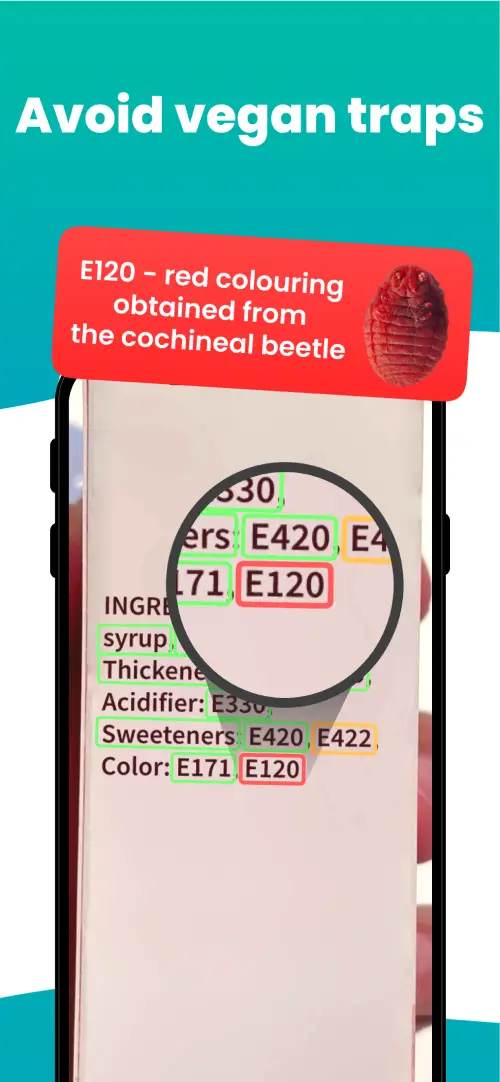
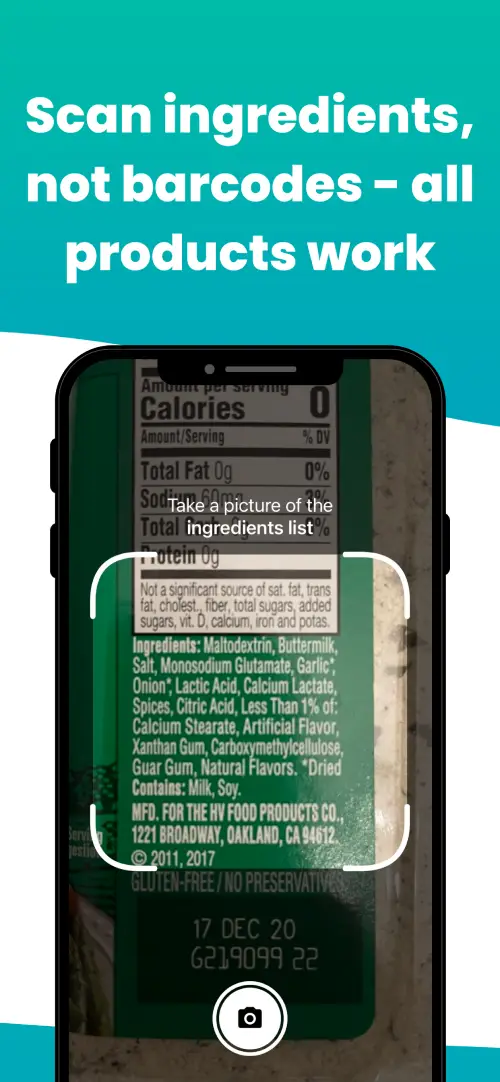
We've built a vegan ingredients scanner that classifies food ingredients as "vegan", "non-vegan", or "potentially vegan".
It allows you to avoid non-vegan ingredients - just take a picture of a product's ingredient list, and the app tells you if the product is vegan or not.

Check out other ingredients:
We'll never send you spam.