Is e100 vegan?
E100 is a vegan food ingredient.
Checking out an ingredients list? 👇
Vegan Ingredient Checker
Scan labels, check if ingredients are vegan
"You are amazing, this has saved me so much time when grocery shopping!"
— Austin, a user who reached out with feedback
"It's been a great tool since starting my journey! You take a pic of the nutrition/ingredients, and it'll warn you of anything questionable or not vegan. 😁"
— Ashe, a Vegan For Beginners Facebook Group member
"Use a vegan app when you go shopping, I use WhatsVegan."
— Dóra, a Vegan For Beginners Facebook Group member


Learn more
"You are amazing, this has saved me so much time when grocery shopping!"
— Austin, a user who reached out with feedback
"It's been a great tool since starting my journey! You take a pic of the nutrition/ingredients, and it'll warn you of anything questionable or not vegan. 😁"
— Ashe, a Vegan For Beginners Facebook Group member
"Use a vegan app when you go shopping, I use WhatsVegan."
— Dóra, a Vegan For Beginners Facebook Group member
So, what is e100?
E100 is the European food additive code for curcumin, the primary yellow pigment extracted from the turmeric plant, Curcuma longa. To produce this coloring, the dried root stalks or rhizomes of the turmeric plant are ground into powder and subjected to solvent extraction. The resulting extract is then purified and standardized to concentrate the curcuminoid compounds, though curcumin can also be manufactured through chemical synthesis. Food producers add E100 to a wide variety of processed items, including baked goods, confectionery, margarine, dairy alternatives, prepared mustard, savory snacks, and ready-made sauces to provide a bright yellow or orange hue.
E100 is classified as vegan because its sourcing is exclusively plant-based or synthetic. Neither the raw turmeric root nor the solvents and synthesis methods used in industrial manufacturing involve animal sources, animal tissues, or animal-derived processing aids. Because no animal inputs are required to create or process this additive, foods listing E100 are fully compatible with a vegan diet.
How to quickly find the source of ingredients like e100?
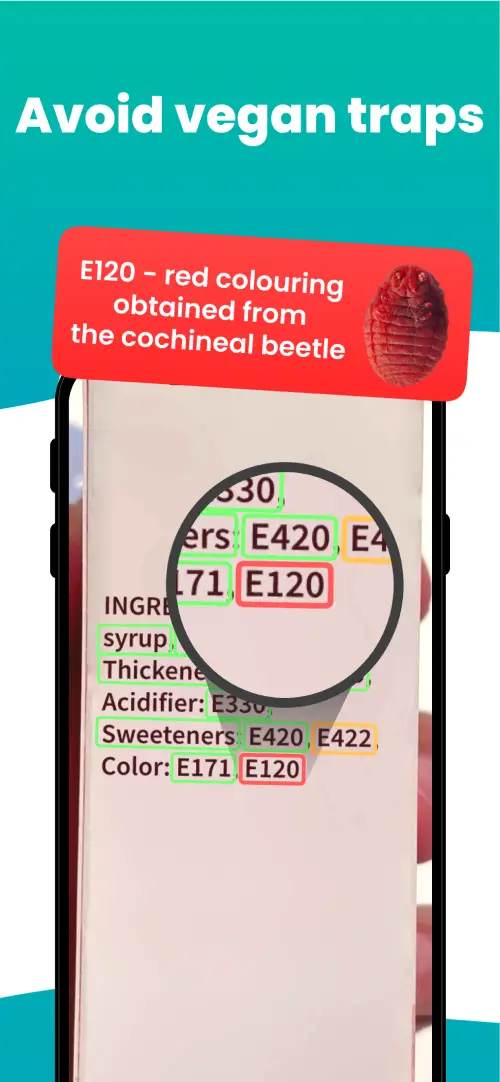
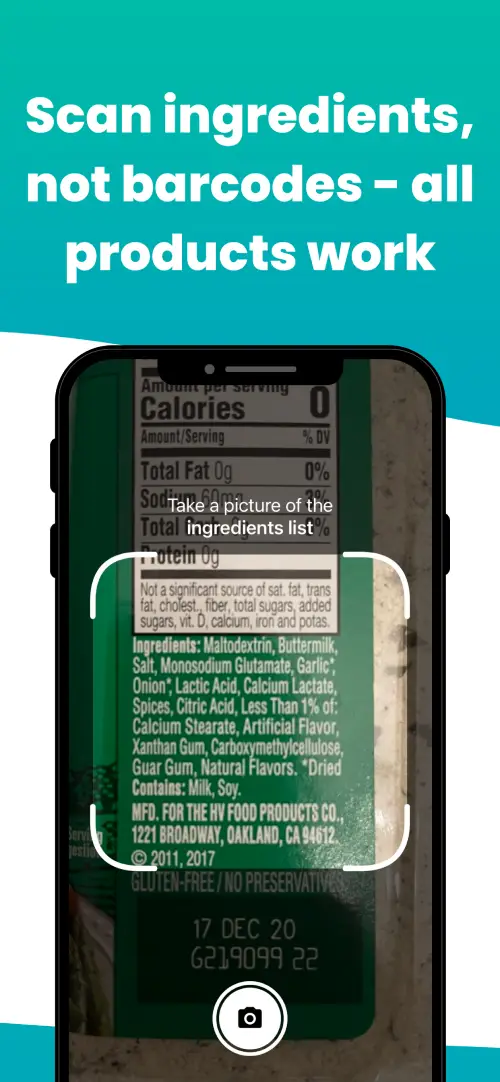
We've built a vegan ingredients scanner that classifies food ingredients as "vegan", "non-vegan", or "potentially vegan".
It allows you to avoid non-vegan ingredients - just take a picture of a product's ingredient list, and the app tells you if the product is vegan or not.

Check out other ingredients:
Is E101I vegan?Is E102 vegan?Is E103 vegan?Is E104 vegan?Is E106 vegan?Is E110 vegan?
We'll never send you spam.