Is e140i vegan?
E140i is a vegan food ingredient.
Checking out an ingredients list? 👇
Vegan Ingredient Checker
Scan labels, check if ingredients are vegan
"You are amazing, this has saved me so much time when grocery shopping!"
— Austin, a user who reached out with feedback
"It's been a great tool since starting my journey! You take a pic of the nutrition/ingredients, and it'll warn you of anything questionable or not vegan. 😁"
— Ashe, a Vegan For Beginners Facebook Group member
"Use a vegan app when you go shopping, I use WhatsVegan."
— Dóra, a Vegan For Beginners Facebook Group member


Learn more
"You are amazing, this has saved me so much time when grocery shopping!"
— Austin, a user who reached out with feedback
"It's been a great tool since starting my journey! You take a pic of the nutrition/ingredients, and it'll warn you of anything questionable or not vegan. 😁"
— Ashe, a Vegan For Beginners Facebook Group member
"Use a vegan app when you go shopping, I use WhatsVegan."
— Dóra, a Vegan For Beginners Facebook Group member
So, what is e140i?
E140i is the official European food additive code for chlorophyll, the natural green pigment that enables plants and algae to absorb light during photosynthesis. Commercially, food producers obtain this coloring agent through solvent extraction from green plant material, most commonly alfalfa, grass, spinach, and stinging nettles. The solvent is evaporated during processing to yield a concentrated, oil-soluble green extract suitable for food formulations.
Food manufacturers list E140i on labels as a natural coloring agent in a wide variety of products. It frequently appears in confectionery, chewing gum, ice cream, plant-based dairy substitutes, baked goods, pastas, sauces, and green-colored beverages to provide or restore a characteristic green appearance.
E140i is vegan because its source material is entirely of plant origin. The production process does not utilize animal tissues, animal byproducts, or animal-derived processing aids at any stage. Because no animal inputs are involved, E140i consistently meets standard vegan requirements.
How to quickly find the source of ingredients like e140i?
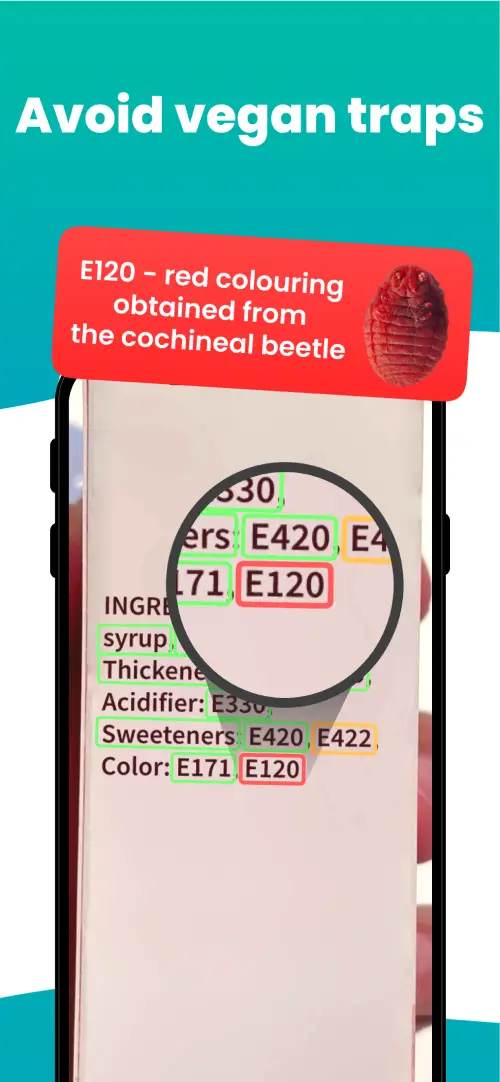
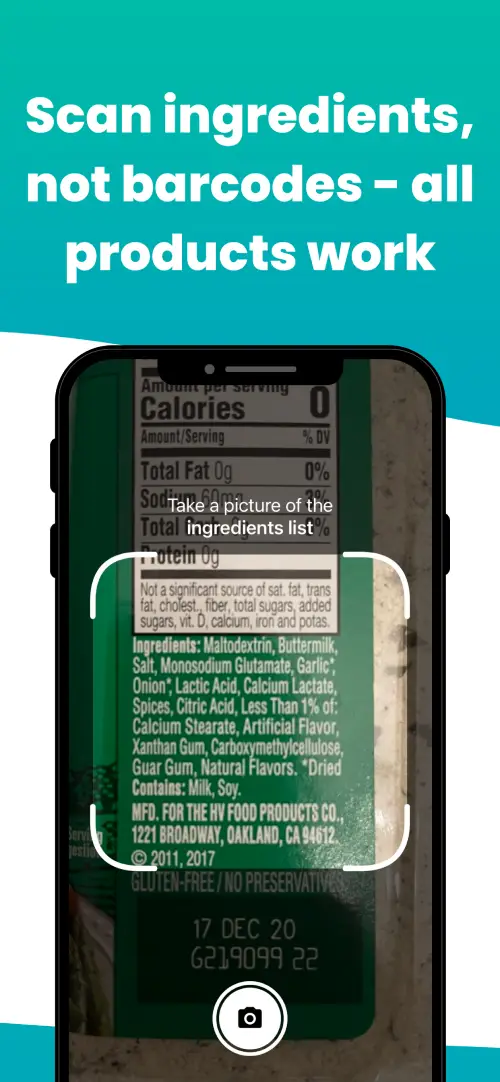
We've built a vegan ingredients scanner that classifies food ingredients as "vegan", "non-vegan", or "potentially vegan".
It allows you to avoid non-vegan ingredients - just take a picture of a product's ingredient list, and the app tells you if the product is vegan or not.

We'll never send you spam.