
Is e640 vegan?
E640 is potentially vegan - it can be derived from plants or animals. You should ask the manufacturer for more details.
Checking out an ingredients list? 👇
Vegan Ingredient Checker
Scan labels, check if ingredients are vegan
"You are amazing, this has saved me so much time when grocery shopping!"
— Austin, a user who reached out with feedback
"It's been a great tool since starting my journey! You take a pic of the nutrition/ingredients, and it'll warn you of anything questionable or not vegan. 😁"
— Ashe, a Vegan For Beginners Facebook Group member
"Use a vegan app when you go shopping, I use WhatsVegan."
— Dóra, a Vegan For Beginners Facebook Group member


Learn more
"You are amazing, this has saved me so much time when grocery shopping!"
— Austin, a user who reached out with feedback
"It's been a great tool since starting my journey! You take a pic of the nutrition/ingredients, and it'll warn you of anything questionable or not vegan. 😁"
— Ashe, a Vegan For Beginners Facebook Group member
"Use a vegan app when you go shopping, I use WhatsVegan."
— Dóra, a Vegan For Beginners Facebook Group member
So, what is e640?
E640 is the food additive code for glycine and its sodium salt, an amino acid used as a flavor enhancer, modifier, and buffering agent. It is often added to processed foods, baked goods, seasoning powders, energy drinks, and protein supplements to enhance savory flavors or reduce bitterness.
This substance can be manufactured through chemical synthesis or by breaking down proteins from biological sources. In industrial manufacturing, synthetic production typically involves reacting chloroacetic acid with ammonia. However, it can also be extracted through the chemical hydrolysis of animal-based proteins like gelatin and collagen, or occasionally from plant-based protein extracts.
E640 is possibly vegan because food labels rarely state whether the additive was synthesized, isolated from plant matter, or extracted from animal tissues. If the glycine is derived from slaughterhouse byproducts, it is not suitable for a vegan diet, but synthetic and plant-based versions are vegan. Consumers can look for a certified vegan label on the packaging or contact the manufacturer to confirm the specific source of the ingredient.
How to quickly find the source of ingredients like e640?
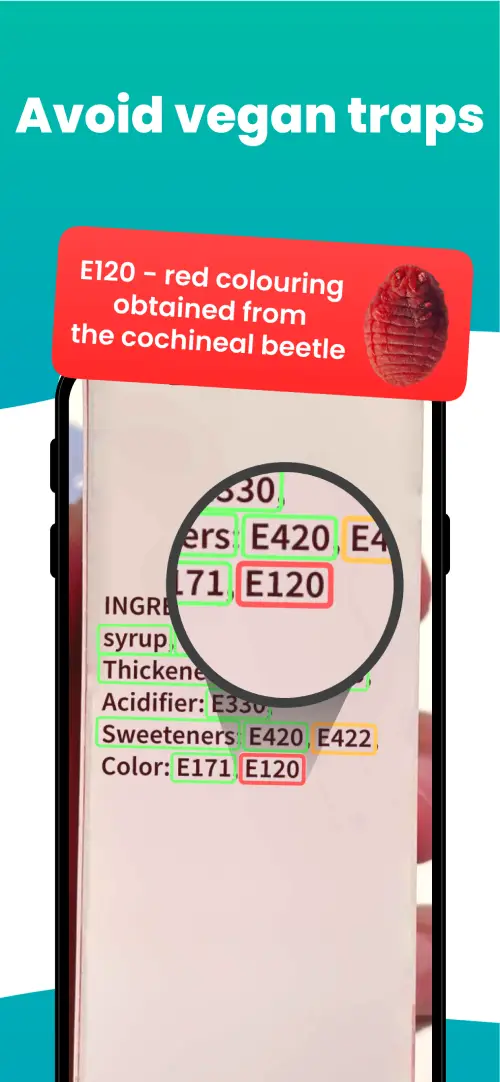
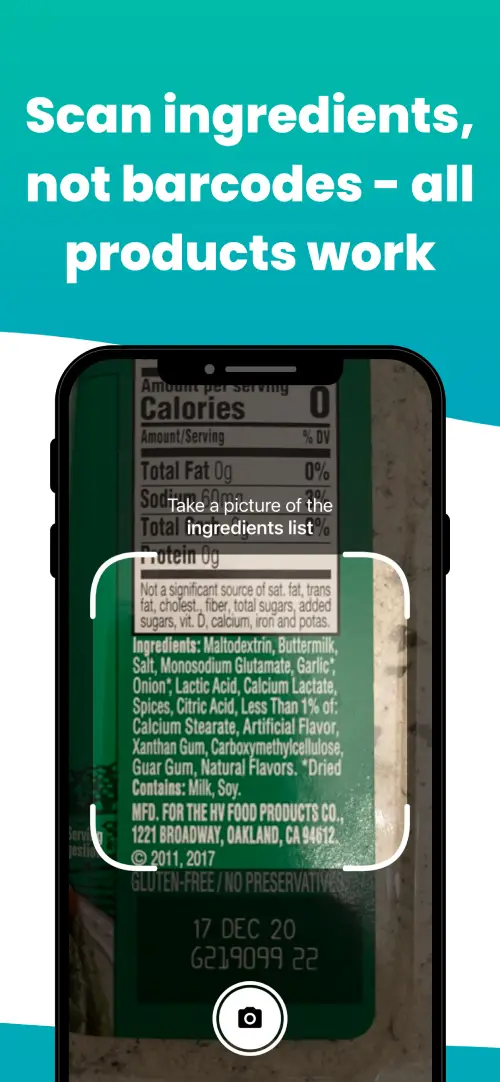
We've built a vegan ingredients scanner that classifies food ingredients as "vegan", "non-vegan", or "potentially vegan".
It allows you to avoid non-vegan ingredients - just take a picture of a product's ingredient list, and the app tells you if the product is vegan or not.

We'll never send you spam.