Is e160! vegan?
E160! is potentially vegan - it can be derived from plants or animals. You should ask the manufacturer for more details.
Checking out an ingredients list? 👇
Vegan Ingredient Checker
Scan labels, check if ingredients are vegan
"You are amazing, this has saved me so much time when grocery shopping!"
— Austin, a user who reached out with feedback
"It's been a great tool since starting my journey! You take a pic of the nutrition/ingredients, and it'll warn you of anything questionable or not vegan. 😁"
— Ashe, a Vegan For Beginners Facebook Group member
"Use a vegan app when you go shopping, I use WhatsVegan."
— Dóra, a Vegan For Beginners Facebook Group member


Learn more
"You are amazing, this has saved me so much time when grocery shopping!"
— Austin, a user who reached out with feedback
"It's been a great tool since starting my journey! You take a pic of the nutrition/ingredients, and it'll warn you of anything questionable or not vegan. 😁"
— Ashe, a Vegan For Beginners Facebook Group member
"Use a vegan app when you go shopping, I use WhatsVegan."
— Dóra, a Vegan For Beginners Facebook Group member
So, what is e160!?
The label entry e160! is most likely an optical character recognition error or typo for E160, the European code for carotenoids, which are common yellow, orange, and red food colorings. Carotenoids are widely added to margarine, butter substitutes, baked goods, processed cheeses, sauces, soft drinks, and confectionery to enhance appearance.
These colorants can be extracted directly from plant sources such as carrots, tomatoes, corn, and red palm oil, fermented using algae, or produced synthetically from petrochemicals. However, carotenoids can also be extracted from animal fats, or formulated using animal-derived carriers like gelatin to help stabilize the pigment in water-based foods.
This ingredient is considered possibly vegan because food labels rarely state whether the coloring comes from plant, synthetic, or animal origins, nor do they specify the carriers used. A third-party vegan certification on the label or direct confirmation from the manufacturer is necessary to verify that the specific batch is entirely plant-derived and free from animal products.
How to quickly find the source of ingredients like e160!?
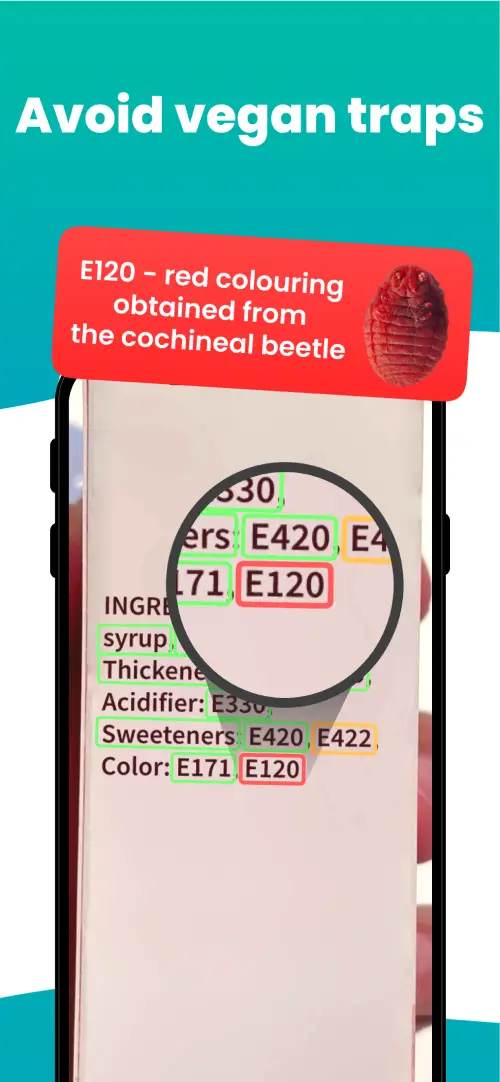
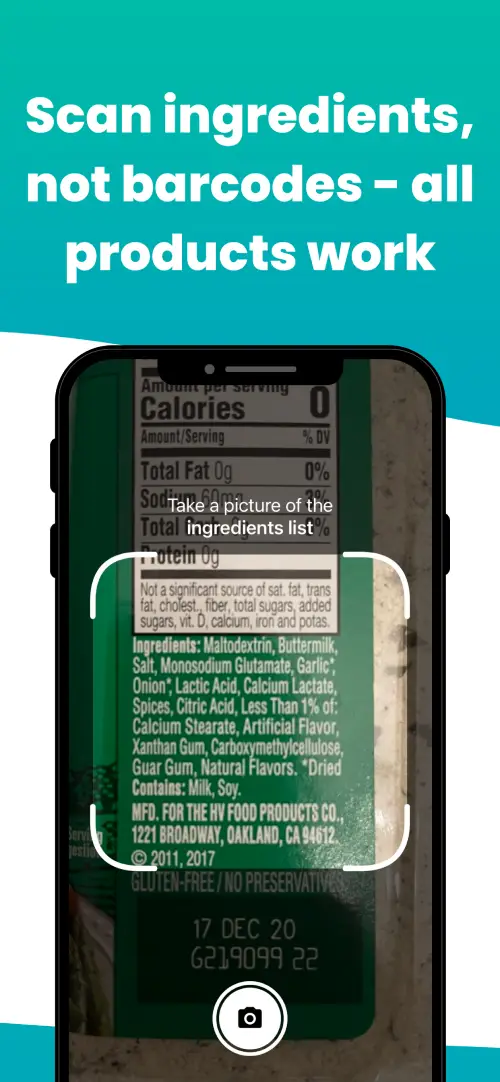
We've built a vegan ingredients scanner that classifies food ingredients as "vegan", "non-vegan", or "potentially vegan".
It allows you to avoid non-vegan ingredients - just take a picture of a product's ingredient list, and the app tells you if the product is vegan or not.

Check out other ingredients:
We'll never send you spam.