
Is e482 vegan?
E482 is potentially vegan - it can be derived from plants or animals. You should ask the manufacturer for more details.
Checking out an ingredients list? 👇
Vegan Ingredient Checker
Scan labels, check if ingredients are vegan
"You are amazing, this has saved me so much time when grocery shopping!"
— Austin, a user who reached out with feedback
"It's been a great tool since starting my journey! You take a pic of the nutrition/ingredients, and it'll warn you of anything questionable or not vegan. 😁"
— Ashe, a Vegan For Beginners Facebook Group member
"Use a vegan app when you go shopping, I use WhatsVegan."
— Dóra, a Vegan For Beginners Facebook Group member


Learn more
"You are amazing, this has saved me so much time when grocery shopping!"
— Austin, a user who reached out with feedback
"It's been a great tool since starting my journey! You take a pic of the nutrition/ingredients, and it'll warn you of anything questionable or not vegan. 😁"
— Ashe, a Vegan For Beginners Facebook Group member
"Use a vegan app when you go shopping, I use WhatsVegan."
— Dóra, a Vegan For Beginners Facebook Group member
So, what is e482?
E482, commonly known as calcium stearoyl lactylate, is a synthetic food additive used primarily as an emulsifier, dough conditioner, and stabilizer. It is produced by chemically combining lactic acid and stearic acid, which is then neutralized with calcium hydroxide. This ingredient is frequently added to commercial baked goods, including breads, tortillas, and pastries, as well as powdered drink mixes, instant gravies, and packaged desserts to improve texture, volume, and shelf life.
The ingredient is considered possibly vegan because the stearic acid required for its production can be derived from either plant or animal origins. When plant-based, stearic acid is typically extracted from vegetable oils such as palm oil or soybean oil. When animal-derived, it is sourced from rendered fats such as beef tallow or pork lard. Because ingredient labels usually do not disclose the specific source of the fatty acids, a vegan certification on the package or direct confirmation from the manufacturer is required to determine whether the additive is plant-derived.
How to quickly find the source of ingredients like e482?
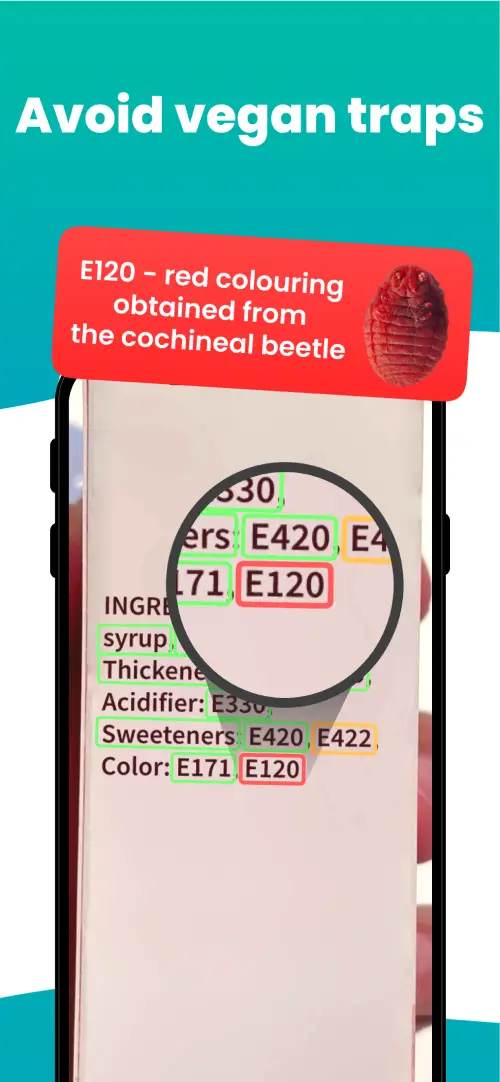
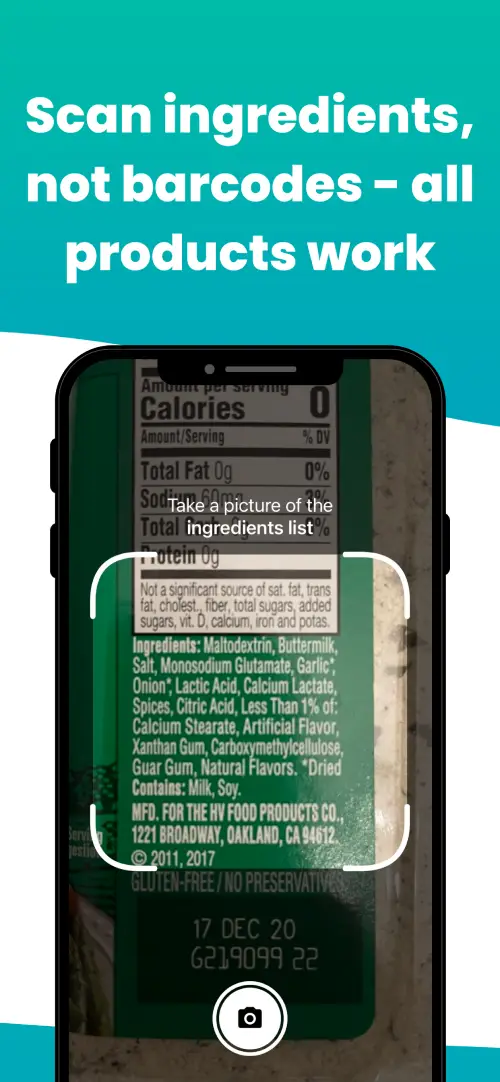
We've built a vegan ingredients scanner that classifies food ingredients as "vegan", "non-vegan", or "potentially vegan".
It allows you to avoid non-vegan ingredients - just take a picture of a product's ingredient list, and the app tells you if the product is vegan or not.

Check out other ingredients:
We'll never send you spam.