
Is ins 340 (ii) vegan?
Ins 340 (ii) is a vegan food ingredient.
Checking out an ingredients list? 👇
Vegan Ingredient Checker
Scan labels, check if ingredients are vegan
"You are amazing, this has saved me so much time when grocery shopping!"
— Austin, a user who reached out with feedback
"It's been a great tool since starting my journey! You take a pic of the nutrition/ingredients, and it'll warn you of anything questionable or not vegan. 😁"
— Ashe, a Vegan For Beginners Facebook Group member
"Use a vegan app when you go shopping, I use WhatsVegan."
— Dóra, a Vegan For Beginners Facebook Group member


Learn more
"You are amazing, this has saved me so much time when grocery shopping!"
— Austin, a user who reached out with feedback
"It's been a great tool since starting my journey! You take a pic of the nutrition/ingredients, and it'll warn you of anything questionable or not vegan. 😁"
— Ashe, a Vegan For Beginners Facebook Group member
"Use a vegan app when you go shopping, I use WhatsVegan."
— Dóra, a Vegan For Beginners Facebook Group member
So, what is ins 340 (ii)?
INS 340 (ii) is the International Numbering System code for dipotassium phosphate, also known as dipotassium hydrogen phosphate. This food additive is a mineral salt produced synthetically through the chemical neutralization of phosphoric acid with potassium hydroxide or potassium carbonate. The primary raw materials used in this process are derived from mined phosphate rock and mineral potash rather than biological sources.
Manufacturers utilize dipotassium phosphate primarily as a buffering agent, stabilizer, and emulsifying salt. It is widely found in non-dairy coffee creamers, plant-based milk alternatives, powdered beverage mixes, sauces, and processed grain products, where it helps prevent protein separation, stabilizes emulsions, and maintains consistent acidity levels.
This ingredient is classified as vegan because it is derived entirely from mineral and synthetic origins. No animal tissues, animal-derived processing aids, or animal byproducts are used at any stage of its synthesis, making it completely suitable for vegan diets.
How to quickly find the source of ingredients like ins 340 (ii)?
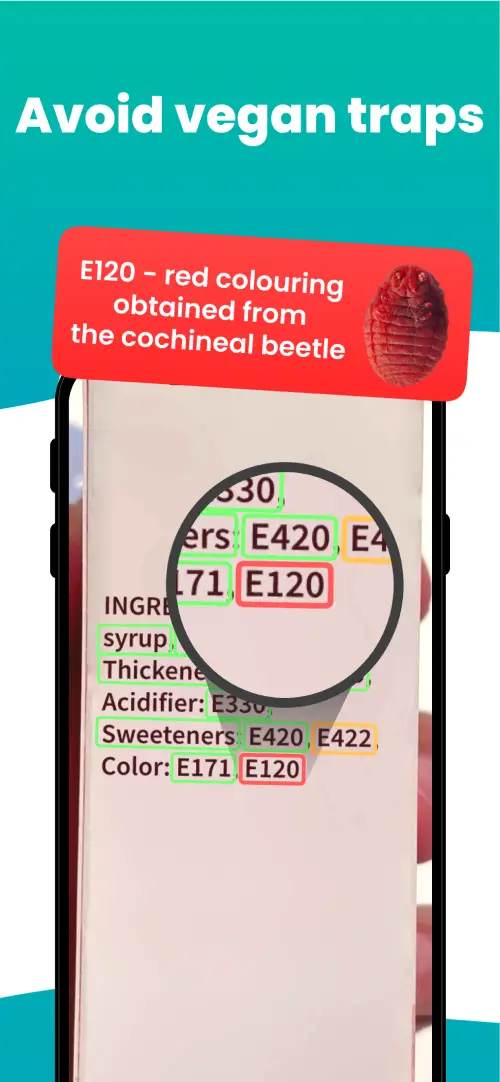
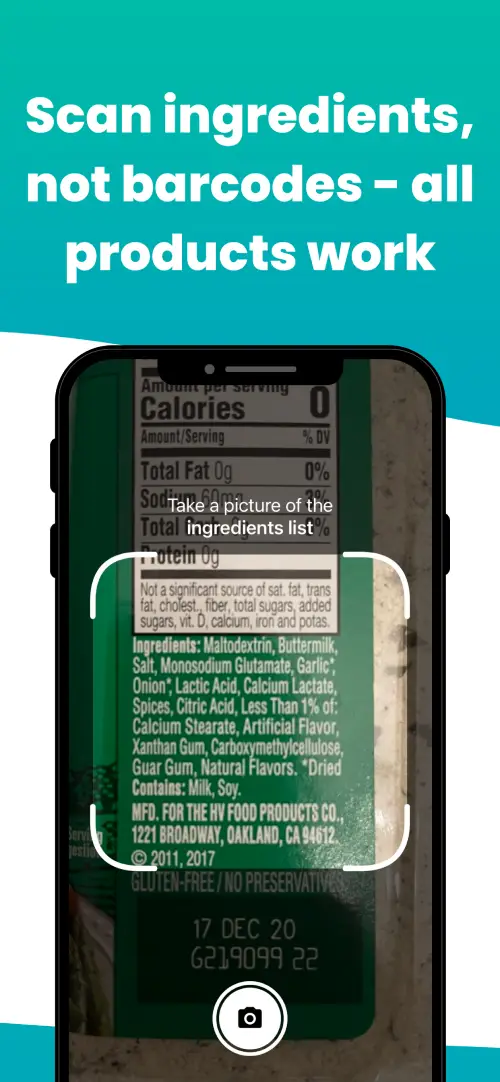
We've built a vegan ingredients scanner that classifies food ingredients as "vegan", "non-vegan", or "potentially vegan".
It allows you to avoid non-vegan ingredients - just take a picture of a product's ingredient list, and the app tells you if the product is vegan or not.

We'll never send you spam.