
Is riboflavin-5-sodium phosphate vegan?
Riboflavin-5-sodium phosphate is a vegan food ingredient.
Checking out an ingredients list? 👇
Vegan Ingredient Checker
Scan labels, check if ingredients are vegan
"You are amazing, this has saved me so much time when grocery shopping!"
— Austin, a user who reached out with feedback
"It's been a great tool since starting my journey! You take a pic of the nutrition/ingredients, and it'll warn you of anything questionable or not vegan. 😁"
— Ashe, a Vegan For Beginners Facebook Group member
"Use a vegan app when you go shopping, I use WhatsVegan."
— Dóra, a Vegan For Beginners Facebook Group member


Learn more
"You are amazing, this has saved me so much time when grocery shopping!"
— Austin, a user who reached out with feedback
"It's been a great tool since starting my journey! You take a pic of the nutrition/ingredients, and it'll warn you of anything questionable or not vegan. 😁"
— Ashe, a Vegan For Beginners Facebook Group member
"Use a vegan app when you go shopping, I use WhatsVegan."
— Dóra, a Vegan For Beginners Facebook Group member
So, what is riboflavin-5-sodium phosphate?
Riboflavin-5-sodium phosphate, also known as food additive E101(ii), is a water-soluble derivative of riboflavin (vitamin B2) used as a yellow-orange coloring agent and a nutrient fortifier. It frequently appears in processed foods such as breakfast cereals, fortified beverages, baked goods, sauces, and infant nutrition products.
Manufacturers produce this substance by chemically phosphorylating riboflavin and neutralizing it into a stable sodium salt. The precursor riboflavin is almost universally generated through the microbial fermentation of plant-derived sugars using non-animal microorganisms like Ashbya gossypii, or through standard chemical synthesis. The subsequent phosphorylation step utilizes mineral-derived phosphates and synthetic reagents rather than animal inputs.
The verdict is vegan because riboflavin-5-sodium phosphate is derived entirely from microbial, mineral, or synthetic sources. No animal tissues, fluids, or animal-derived processing aids are utilized during its fermentation, synthesis, or chemical refinement.
How to quickly find the source of ingredients like riboflavin-5-sodium phosphate?
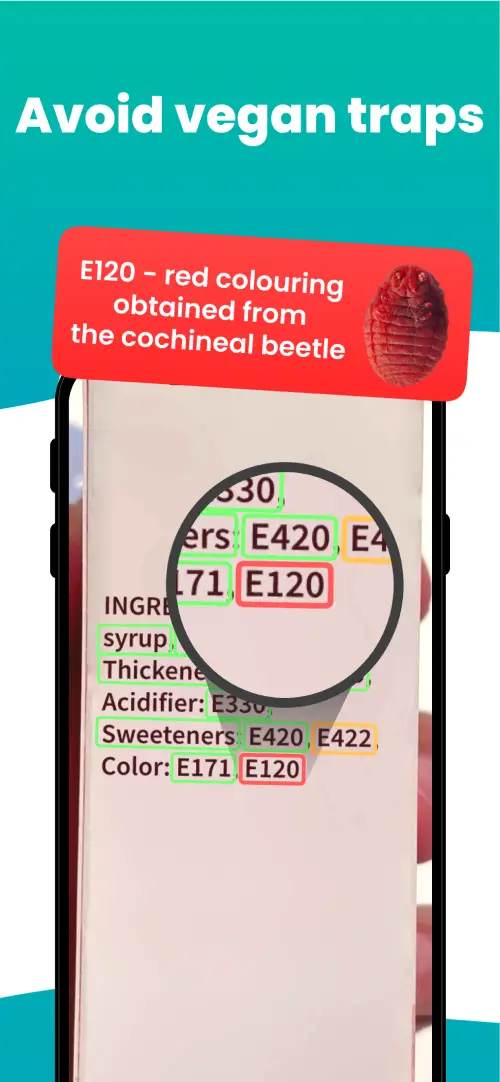
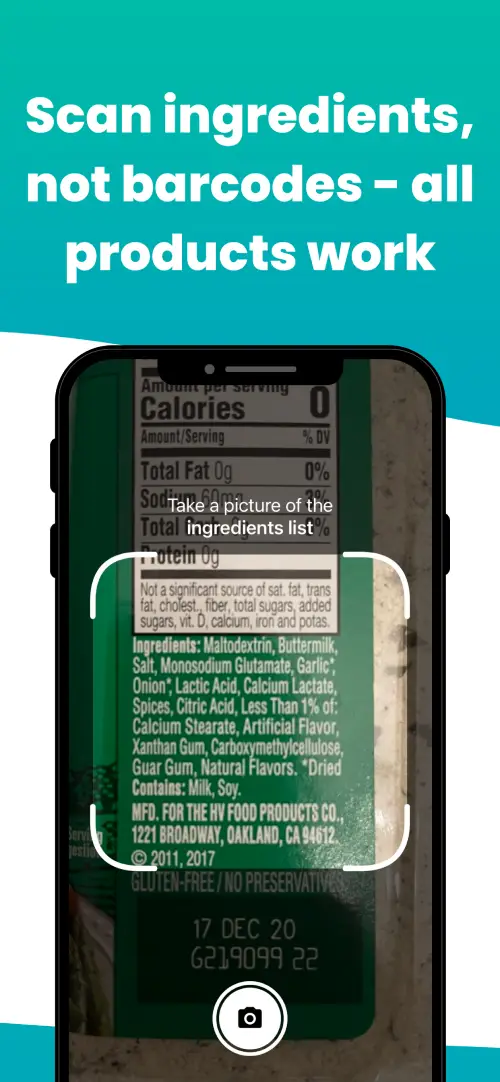
We've built a vegan ingredients scanner that classifies food ingredients as "vegan", "non-vegan", or "potentially vegan".
It allows you to avoid non-vegan ingredients - just take a picture of a product's ingredient list, and the app tells you if the product is vegan or not.

We'll never send you spam.