
Is acésulfame k e950 vegan?
Acésulfame k e950 is a vegan food ingredient.
Checking out an ingredients list? 👇
Vegan Ingredient Checker
Scan labels, check if ingredients are vegan
"You are amazing, this has saved me so much time when grocery shopping!"
— Austin, a user who reached out with feedback
"It's been a great tool since starting my journey! You take a pic of the nutrition/ingredients, and it'll warn you of anything questionable or not vegan. 😁"
— Ashe, a Vegan For Beginners Facebook Group member
"Use a vegan app when you go shopping, I use WhatsVegan."
— Dóra, a Vegan For Beginners Facebook Group member


Learn more
"You are amazing, this has saved me so much time when grocery shopping!"
— Austin, a user who reached out with feedback
"It's been a great tool since starting my journey! You take a pic of the nutrition/ingredients, and it'll warn you of anything questionable or not vegan. 😁"
— Ashe, a Vegan For Beginners Facebook Group member
"Use a vegan app when you go shopping, I use WhatsVegan."
— Dóra, a Vegan For Beginners Facebook Group member
So, what is acésulfame k e950?
Acésulfame k e950 is the French term for acesulfame potassium, commonly known as acesulfame K, an artificial sweetener designated by the European food additive code E950. It provides an intense sweet flavor, roughly two hundred times sweeter than sucrose, and is widely utilized in reduced-calorie and sugar-free foods and beverages. Typical products listing this ingredient include diet sodas, flavored waters, chewing gums, sugar-free jams, dairy-free yogurts, protein powders, and oral care products such as toothpaste.
This additive is produced entirely through chemical synthesis. Manufacturers create it through an industrial reaction involving acetoacetamide and sulfur trioxide, followed by neutralization with potassium hydroxide to form a stable crystalline powder. No animal tissues, animal-derived processing aids, or animal by-products are used at any stage of its production.
Because acesulfame potassium is purely synthetic and derived from chemical and mineral precursors without animal inputs, acésulfame k e950 is classified as vegan.
How to quickly find the source of ingredients like acésulfame k e950?
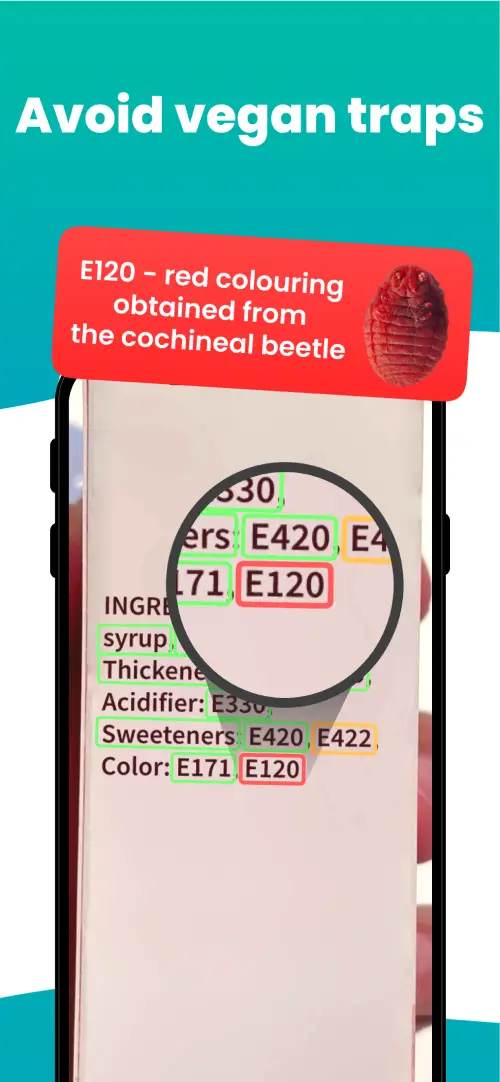
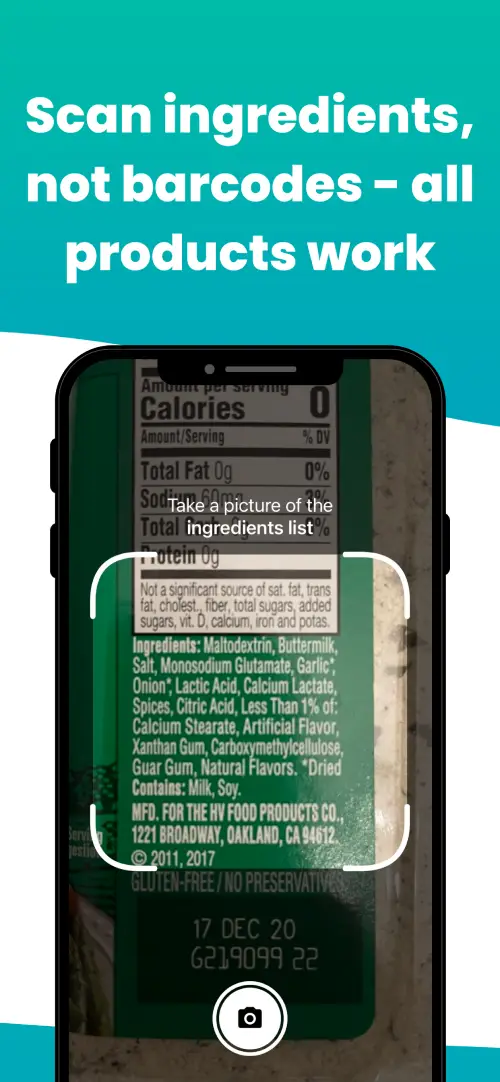
We've built a vegan ingredients scanner that classifies food ingredients as "vegan", "non-vegan", or "potentially vegan".
It allows you to avoid non-vegan ingredients - just take a picture of a product's ingredient list, and the app tells you if the product is vegan or not.

We'll never send you spam.