
Is peg-100 stearate vegan?
Peg-100 stearate is potentially vegan - it can be derived from plants or animals. You should ask the manufacturer for more details.
Checking out an ingredients list? 👇
Vegan Ingredient Checker
Scan labels, check if ingredients are vegan
"You are amazing, this has saved me so much time when grocery shopping!"
— Austin, a user who reached out with feedback
"It's been a great tool since starting my journey! You take a pic of the nutrition/ingredients, and it'll warn you of anything questionable or not vegan. 😁"
— Ashe, a Vegan For Beginners Facebook Group member
"Use a vegan app when you go shopping, I use WhatsVegan."
— Dóra, a Vegan For Beginners Facebook Group member


Learn more
"You are amazing, this has saved me so much time when grocery shopping!"
— Austin, a user who reached out with feedback
"It's been a great tool since starting my journey! You take a pic of the nutrition/ingredients, and it'll warn you of anything questionable or not vegan. 😁"
— Ashe, a Vegan For Beginners Facebook Group member
"Use a vegan app when you go shopping, I use WhatsVegan."
— Dóra, a Vegan For Beginners Facebook Group member
So, what is peg-100 stearate?
PEG-100 stearate is a synthetic emulsifier and surfactant formed by combining polyethylene glycol with stearic acid. It is produced through the chemical reaction of ethylene oxide with stearic acid, creating a substance that helps water and oil blend smoothly. While it is predominantly used in cosmetics, personal care lotions, and topical pharmaceuticals, it also appears occasionally in specialized dietary supplements and processed food products.
This ingredient is considered possibly vegan because stearic acid can be sourced from either plants or animals. Plant-derived stearic acid is typically extracted from vegetable fats such as palm oil, coconut oil, or soybean oil. Alternatively, it can be obtained from animal fats, most commonly rendered beef or sheep tallow. Product labels generally do not disclose the origin of the fatty acid used. To verify that PEG-100 stearate in a particular item is free from animal-derived materials, consumers need to look for an official vegan certification on the packaging or inquire directly with the manufacturer.
How to quickly find the source of ingredients like peg-100 stearate?
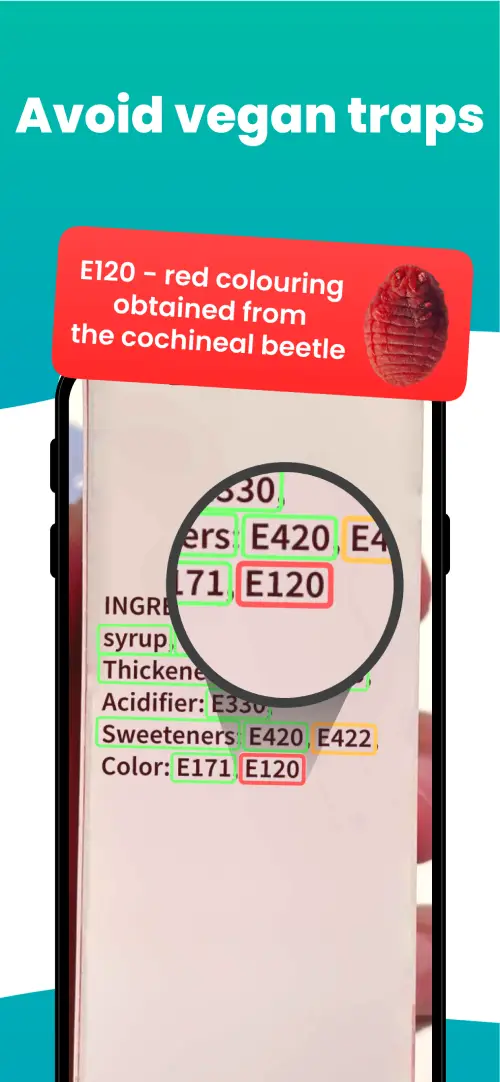
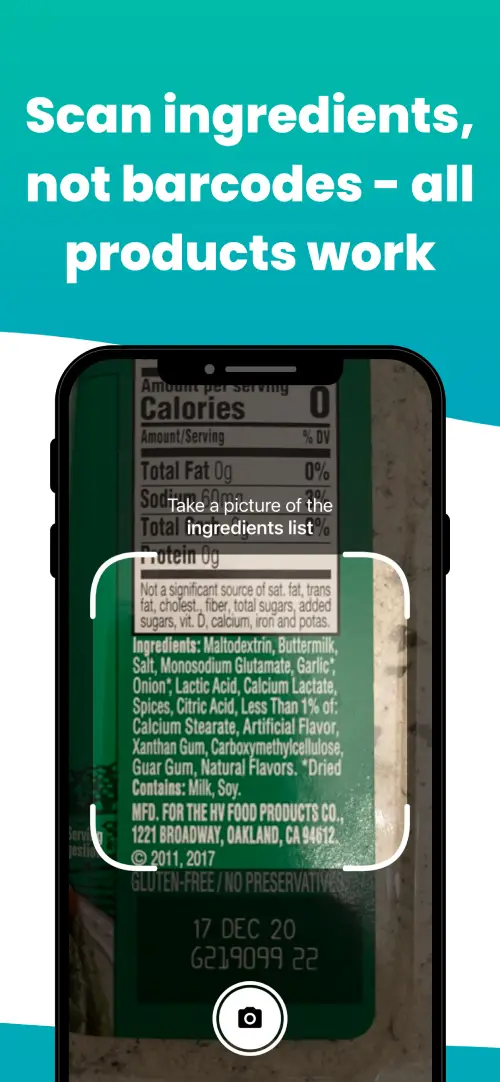
We've built a vegan ingredients scanner that classifies food ingredients as "vegan", "non-vegan", or "potentially vegan".
It allows you to avoid non-vegan ingredients - just take a picture of a product's ingredient list, and the app tells you if the product is vegan or not.

We'll never send you spam.