Is e339 vegan?
E339 is a vegan food ingredient.
Checking out an ingredients list? 👇
Vegan Ingredient Checker
Scan labels, check if ingredients are vegan
"You are amazing, this has saved me so much time when grocery shopping!"
— Austin, a user who reached out with feedback
"It's been a great tool since starting my journey! You take a pic of the nutrition/ingredients, and it'll warn you of anything questionable or not vegan. 😁"
— Ashe, a Vegan For Beginners Facebook Group member
"Use a vegan app when you go shopping, I use WhatsVegan."
— Dóra, a Vegan For Beginners Facebook Group member


Learn more
"You are amazing, this has saved me so much time when grocery shopping!"
— Austin, a user who reached out with feedback
"It's been a great tool since starting my journey! You take a pic of the nutrition/ingredients, and it'll warn you of anything questionable or not vegan. 😁"
— Ashe, a Vegan For Beginners Facebook Group member
"Use a vegan app when you go shopping, I use WhatsVegan."
— Dóra, a Vegan For Beginners Facebook Group member
So, what is e339?
E339 is the European food additive code for sodium phosphates, a group of salts that includes monosodium phosphate, disodium phosphate, and trisodium phosphate. These compounds are manufactured commercially by neutralizing phosphoric acid, which is obtained from mined mineral phosphate rock, with sodium hydroxide or sodium carbonate. In food manufacturing, sodium phosphates serve as emulsifiers, acidity regulators, thickening agents, and leavening aids. They are commonly present in processed items such as baked goods, breakfast cereals, powdered drinks, sauces, nondairy creamers, and plant-based cheese alternatives.
This ingredient is classified as vegan because its production relies entirely on mineral and synthetic origins without any animal involvement. Animal tissues, fats, or by-products are not used as raw materials, nor are animal-derived substances introduced as processing aids during synthesis. Because the extraction and manufacturing processes depend solely on non-animal chemical sources, E339 complies fully with standard vegan criteria.
How to quickly find the source of ingredients like e339?
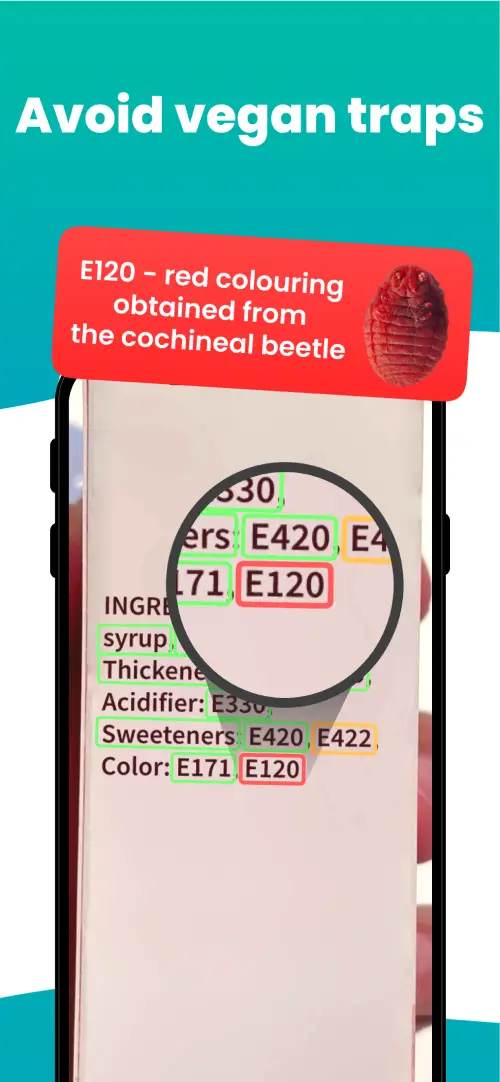
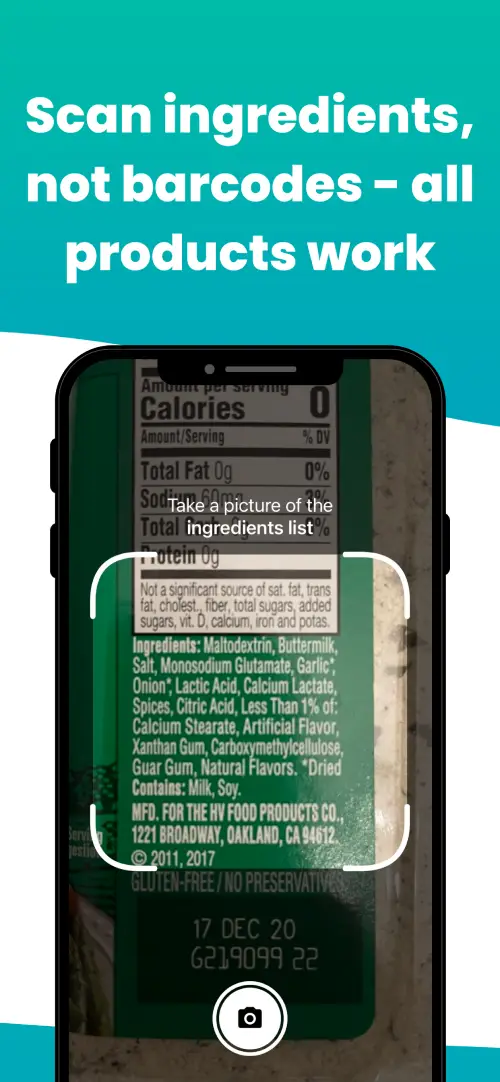
We've built a vegan ingredients scanner that classifies food ingredients as "vegan", "non-vegan", or "potentially vegan".
It allows you to avoid non-vegan ingredients - just take a picture of a product's ingredient list, and the app tells you if the product is vegan or not.

We'll never send you spam.